Quick Start
Physical Button & Side Switch
The ReAI Recording Card uses minimal tactile hardware controls so you never have to unlock a screen just to record:
- Single physical button + side toggle switch: Start/stop capture or drop instant Mark timestamps during key moments (fully customizable via KV bindings, see Controls & Events).
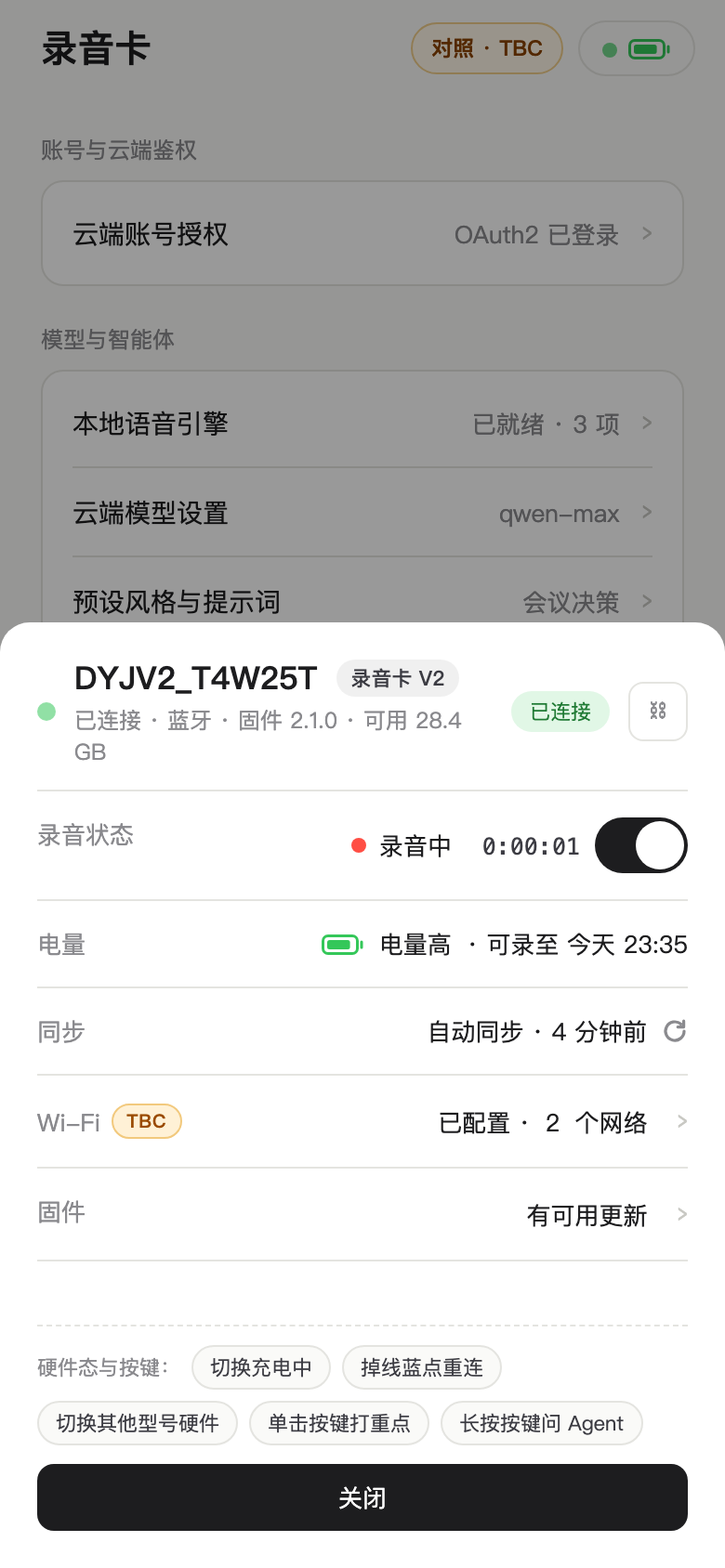
- Live Hardware Capsule: When paired over BLE 5, the companion app capsule displays recording status, battery, and sync progress in real time.
First-Time Pairing
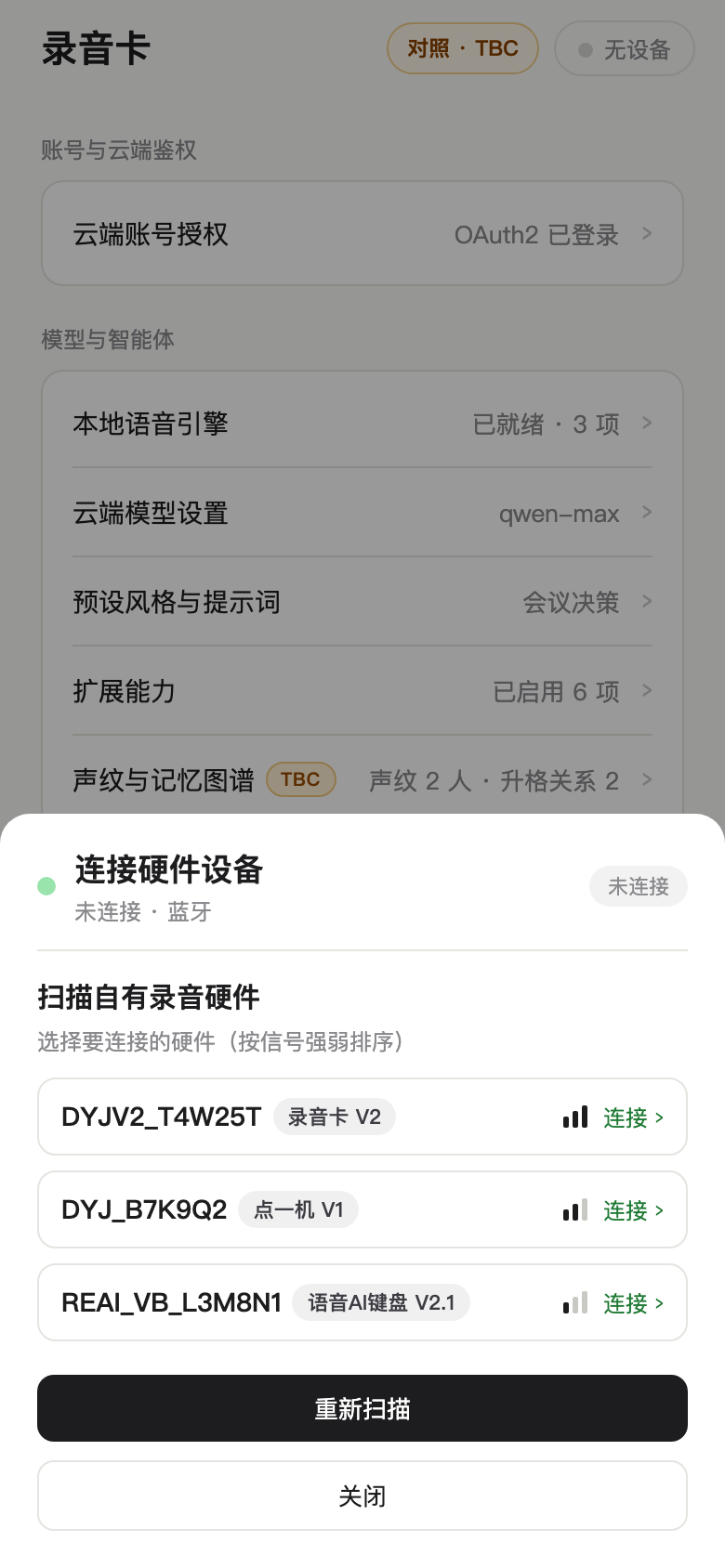
- Ensure your phone runs iOS 15.0+ or Android 7.0+ (API 24+) and install
com.reai.recordingcard. - Enable Bluetooth (on Android, BLE scanning explicitly declares
neverForLocationand never requests GPS/location). - Open the device connection view to scan and bind your card.
Browser Debugging (Web Bluetooth & Wi-Fi AP)
You can also connect directly from Chrome / Edge using the Live Web Console or our Downloadable Examples:
- BLE NUS: Connects directly over HTTPS Web Bluetooth (
6e400001-b5a3-f393-e0a9-e50e24dcca9e). - Wi-Fi SoftAP: Power on ESP32 (
WIFI_OPEN), joinDYJ-HD-AP, and download.apmfiles athttp://192.168.4.1/api/fileswith instant browser-side WAV decoding.
Sync Channels
| Channel | Best For | Chip |
|---|---|---|
| BLE 5 NUS | Commands, telemetry, realtime audio stream, KV config & short takes | nRF52840 |
| 2.4 GHz Wi-Fi AP / STA | High-speed batch downloads, cloud/LAN upload & OTA updates | ESP32-C3 (powered off at idle) |
Plug-In Auto Sync (charge_on)
Save up to 5 frequent 2.4 GHz Wi-Fi networks on the card. When charge_on is bound to sync_upload, plugging in power wakes the ESP32-C3 and uploads pending clips automatically, keeping failed retries queued up to 30 days.